
Building your first gaming rig can be both an exciting and intimidating experience. At first glance, the process might seem like a complex puzzle filled with unfamiliar terms, cables, and compatibility concerns. But once you break it down, building a gaming PC is surprisingly straightforward — and incredibly rewarding. Not only do you gain a custom machine tailored to your gaming needs, but you also develop a deeper understanding of how computers work, making upgrades and maintenance easier in the long run.
The first step is defining your goals. Ask yourself what kind of games you want to play, at what resolution, and what frame rate you’re aiming for. Are you looking for smooth 1080p gaming, or do you want to push into 1440p or even 4K territory? Will you be streaming or doing any video editing on the side? The answers to these questions will help determine how much power — and budget — you’ll need. For most new builders, a mid-range build offers the best balance between performance and cost, and can handle nearly all modern titles comfortably.
Next comes selecting your components. At the heart of your rig is the CPU (processor). It controls overall system performance and affects how well your PC handles multitasking and CPU-intensive games. Pair it with a motherboard that matches its socket type and offers the features you need, such as Wi-Fi, Bluetooth, or extra USB ports. Then comes the GPU (graphics card) — arguably the most important part of a gaming build. This is what renders your games, and a good GPU will ensure smooth frame rates and high-quality visuals.
You’ll also need RAM (memory), ideally 16GB for modern gaming. Storage is another critical decision: an SSD (especially an NVMe M.2 drive) will drastically reduce loading times and improve system responsiveness, while a secondary HDD can serve as bulk storage for large files. Don’t forget the power supply (PSU) — make sure it has enough wattage to support your components and is from a reputable brand with good efficiency ratings.
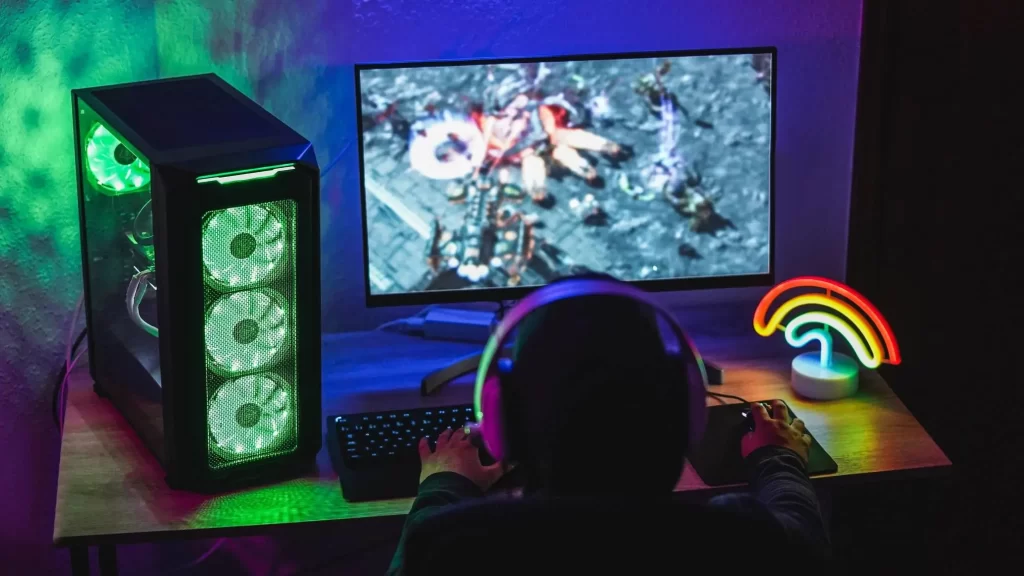
The PC case houses everything and affects airflow, cable management, and future expandability. Choose one that’s well-reviewed, has good airflow, and fits your style. It also needs to support the size of your motherboard (ATX, Micro-ATX, etc.) and GPU length. Don’t underestimate cooling: modern components generate heat, and good airflow — with a few strategically placed fans — can make a big difference in performance and longevity.
Once all your parts are ready, the building process begins. Ground yourself to avoid static damage, lay everything out on a clean surface, and take it slow. Start by installing the CPU, RAM, and cooler onto the motherboard before placing it into the case. Connect the power supply cables, install the GPU, and connect storage drives. Cable management can be tedious, but it improves both aesthetics and airflow. Most modern cases have cutouts and tie-down points to make this easier.
After assembly, power on your system and enter the BIOS to make sure everything is recognized. Then, install your operating system — typically Windows — from a USB drive. Once booted, update all drivers, install essential software, and you’re ready to game.
Building your own gaming rig gives you complete control over the final product. You choose the performance, the look, and the upgrade path. It’s often cheaper than buying a pre-built PC with similar specs, and the satisfaction of running your favorite game on a machine you built yourself is hard to beat. Mistakes might happen along the way, but they’re part of the learning process — and there’s a huge online community ready to help if you get stuck. Once you’ve done it once, you’ll never want to go back.